
Why Golden Hour Portrait Photography Still Wins in 2026
Golden hour is that magical window roughly 45 to 60 minutes before sunset (or just after sunrise) when the sun sits low on the horizon and bathes everything in soft, warm, directional light. For portrait photographers, it is the closest thing we have to a free professional lighting kit. Skin tones glow, harsh shadows disappear, and even tricky backgrounds turn into painterly bokeh.
But here is the truth most tutorials skip: golden hour does not do all the work for you. If your camera settings are wrong, you will get muddy skin tones, blown-out highlights, or worse, that cold blue cast that completely kills the mood. In this guide, we walk you through the exact settings, white balance choices, and positioning techniques we use on real wedding and engagement shoots to make the most of this light.

Understanding Golden Hour Light Before You Touch Your Camera
Before diving into settings, remember three things about golden hour light:
- It moves fast. You typically have 45 to 60 minutes, and the last 10 minutes are the warmest.
- It is directional. Where you place your subject relative to the sun changes everything.
- It shifts color temperature quickly. What looks neutral at 7:15 PM looks deep amber at 7:35 PM.
Scout your location at least 30 minutes early. Use an app like PhotoPills or Sun Surveyor to know exactly where the sun will set.
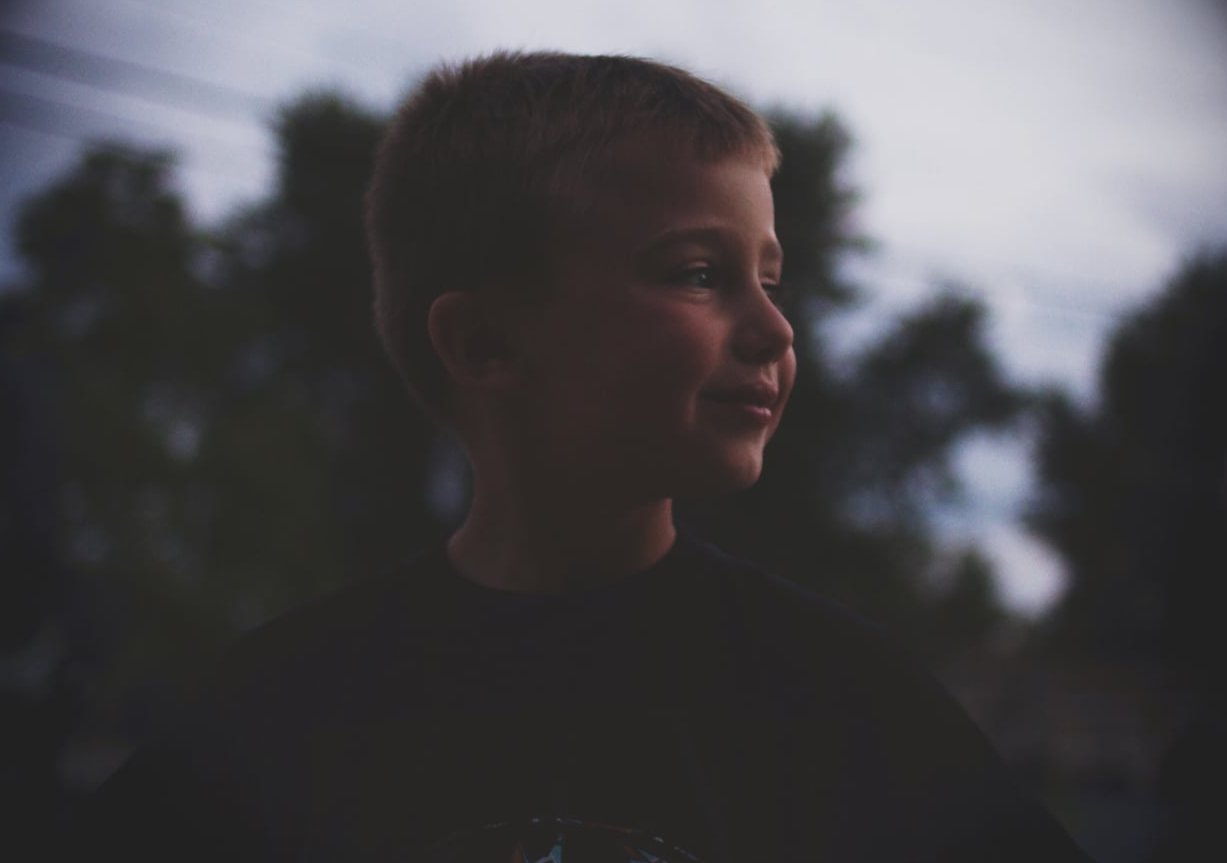
The 7 Camera Settings for Warm Golden Hour Portraits
1. Shoot in Manual Mode (or Aperture Priority with Exposure Compensation)
Auto mode will fight you during golden hour. The camera sees the warm cast and tries to neutralize it. Switch to Manual if you are confident, or Aperture Priority (A/Av) with exposure compensation dialed in.
2. Aperture: Open Wide for That Creamy Glow
Use a wide aperture between f/1.8 and f/2.8 for single subjects. This creates separation, melts the background into warm bokeh, and lets you keep ISO low even as the light fades.
- Single portrait: f/1.8 to f/2.2
- Couples: f/2.5 to f/2.8
- Small groups: f/3.5 to f/4
3. Shutter Speed: Stay Above Your Focal Length
A common mistake is letting shutter speed drop too low because the scene looks bright. Keep it at minimum 1/200s for portraits, especially if your subject is moving (walking, laughing, twirling).
4. ISO: Start Low, Adjust as Light Fades
Begin at ISO 100 or 200. As the sun drops, bump it gradually. Modern full-frame cameras handle ISO 1600 to 3200 beautifully, so do not be afraid to push it in the final minutes.
| Time Before Sunset | Aperture | Shutter | ISO |
|---|---|---|---|
| 60 min | f/2.8 | 1/500s | 100 |
| 30 min | f/2.0 | 1/320s | 200 |
| 10 min | f/1.8 | 1/200s | 800 |
| After sunset (blue hour) | f/1.8 | 1/160s | 2000 |
5. White Balance: Manual Kelvin Is Your Best Friend
Auto White Balance is the enemy of warmth. It detects the orange tones and cools them down. Set white balance manually:
- 5500K to 6000K: Natural, true-to-life warmth
- 6500K to 7500K: Cinematic, amber, dreamy
- 8000K+: Heavy stylized warmth (use sparingly)
Pro tip: shoot in RAW so you can fine-tune Kelvin later without quality loss.
6. Metering Mode: Spot Meter on the Skin
Evaluative or matrix metering averages the whole scene and often underexposes faces when the bright sun is in the frame. Switch to spot metering and meter directly on your subject’s cheek. This guarantees properly exposed skin even with backlight.
7. Exposure Compensation: Push +0.3 to +1.0
When backlighting your subject (the most flattering golden hour setup), your camera will underexpose. Dial in +0.7 to +1.0 EV to brighten skin tones and let those golden flares shine through.
Positioning Your Subject: The Three Best Angles
Backlit (Sun Behind the Subject)
The most iconic golden hour look. Place the sun directly behind your subject’s head or shoulder. You get a glowing rim light, hair that catches fire, and dreamy lens flare. Use a lens hood removed and meter for the face.
Side-lit (Sun at 90 Degrees)
Creates depth and dimension with soft shadows on one side of the face. Perfect for moody, editorial portraits. Use a small reflector on the shadow side if you want to fill in.
Front-lit (Sun Behind You)
The sun gently illuminates the subject’s face with that warm glow. Best in the final 15 minutes when the sun is no longer harsh. Ask your subject not to squint by counting to three before you click.
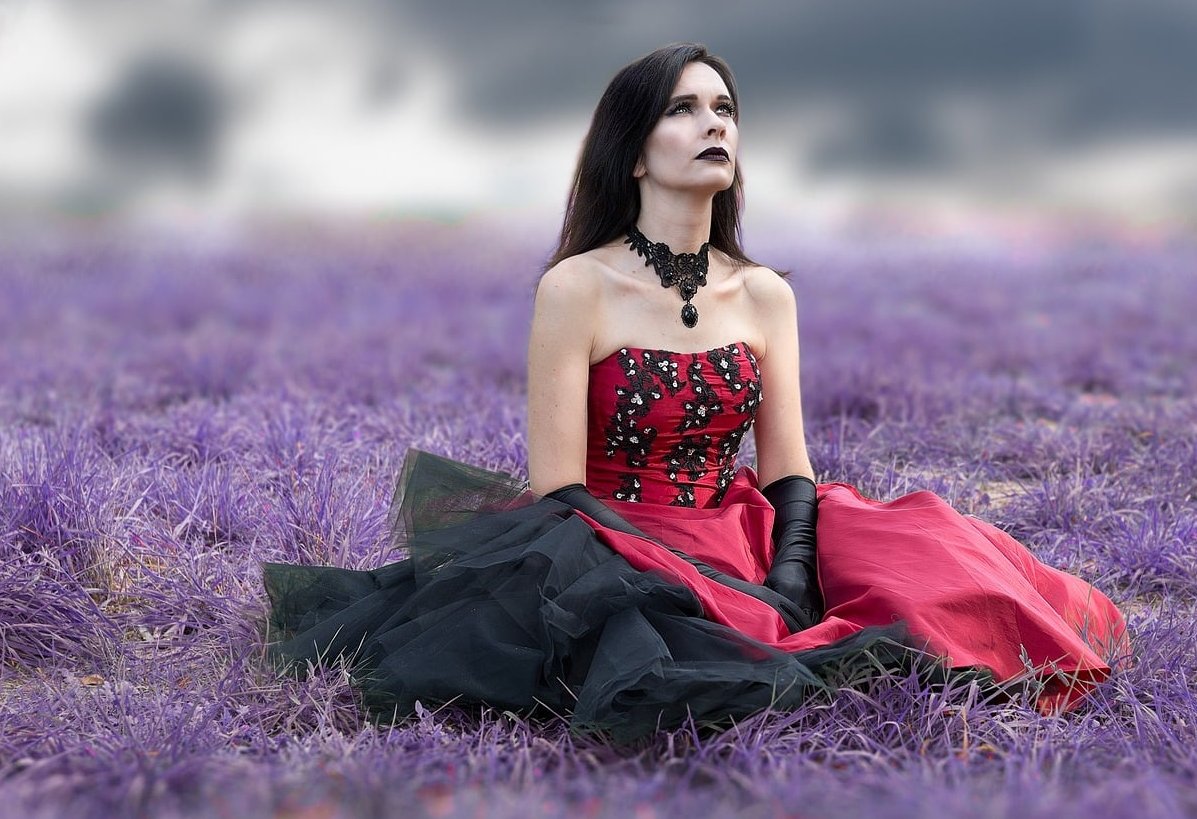
Real Example: How Small Adjustments Change Everything
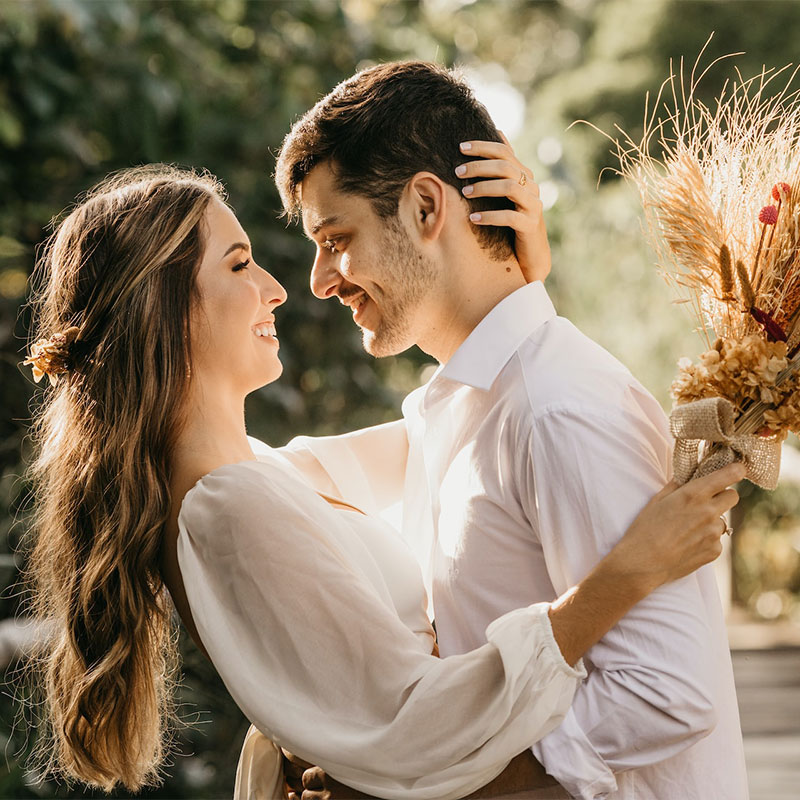
On a recent engagement session, we shot the same pose three times within 90 seconds:
- Shot 1: Auto WB, evaluative metering, no compensation. Result: cool tones, dark faces, flat mood.
- Shot 2: WB set to 6200K, spot metering on cheek, +0.7 EV. Result: balanced warmth, glowing skin, soft background.
- Shot 3: WB pushed to 7400K, +1.0 EV, sun directly behind the couple’s heads. Result: cinematic, amber, the kind of image clients frame on their wall.
Same couple. Same location. Same minute. The settings made all the difference.
Common Mistakes to Avoid
- Leaving Auto White Balance on (kills the warmth)
- Forgetting to check focus when shooting into the sun (use back-button AF)
- Standing still: move your subject every 60 seconds as the light shifts
- Ignoring the 5 minutes after sunset (blue hour) which gives you stunning pastel tones
- Not bringing a reflector or even a white sheet for fill light

Gear That Makes Golden Hour Easier
- Lens hood (or your hand) to control flare when you want it controlled
- 50mm f/1.8 or 85mm f/1.8 for the dreamiest compression
- 5-in-1 reflector (gold side adds extra warmth)
- ND filter if you want to shoot wide open earlier in the hour
FAQ: Golden Hour Portrait Photography
What time exactly is golden hour?
Golden hour is approximately the last 45 to 60 minutes before sunset and the first 45 to 60 minutes after sunrise. The exact duration depends on your latitude and season. Use apps like PhotoPills, Sun Surveyor, or Golden Hour One to get precise times for your location.
Is sunrise or sunset golden hour better for portraits?
Sunset is more popular because clients are awake and relaxed, and the light tends to be slightly warmer due to atmospheric particles. Sunrise gives cleaner air, fewer crowds, and cooler golden tones, but logistics are harder.
Can I shoot golden hour portraits on a cloudy day?
Heavy clouds can block golden hour entirely, but thin or scattered clouds often create even more dramatic light by diffusing the sun. Always show up: some of the best skies happen on iffy weather days.
Do I need flash during golden hour?
Not usually. The main reason to add flash is when backlighting your subject and you want a perfectly exposed face without raising exposure compensation. A small reflector is often enough.
What aperture is best for golden hour portraits?
For single subjects, f/1.8 to f/2.2 gives that creamy bokeh. For couples or groups, stop down to f/2.8 or f/4 to keep everyone sharp.
How do I avoid lens flare during golden hour?
Use a lens hood, change your angle slightly, or block the sun with your subject’s head. If you want intentional flare, remove the hood and shoot slightly into the sun.
Final Thoughts
Golden hour portrait photography is not about luck. It is about preparation, fast adjustments, and knowing your camera well enough to react as the light changes minute by minute. Master these 7 settings, practice positioning, and you will start delivering portraits that look like they were lit by a movie crew, all powered by the most beautiful free light on Earth.
Now grab your camera, check your sunset time, and get out there before the next golden hour disappears.